
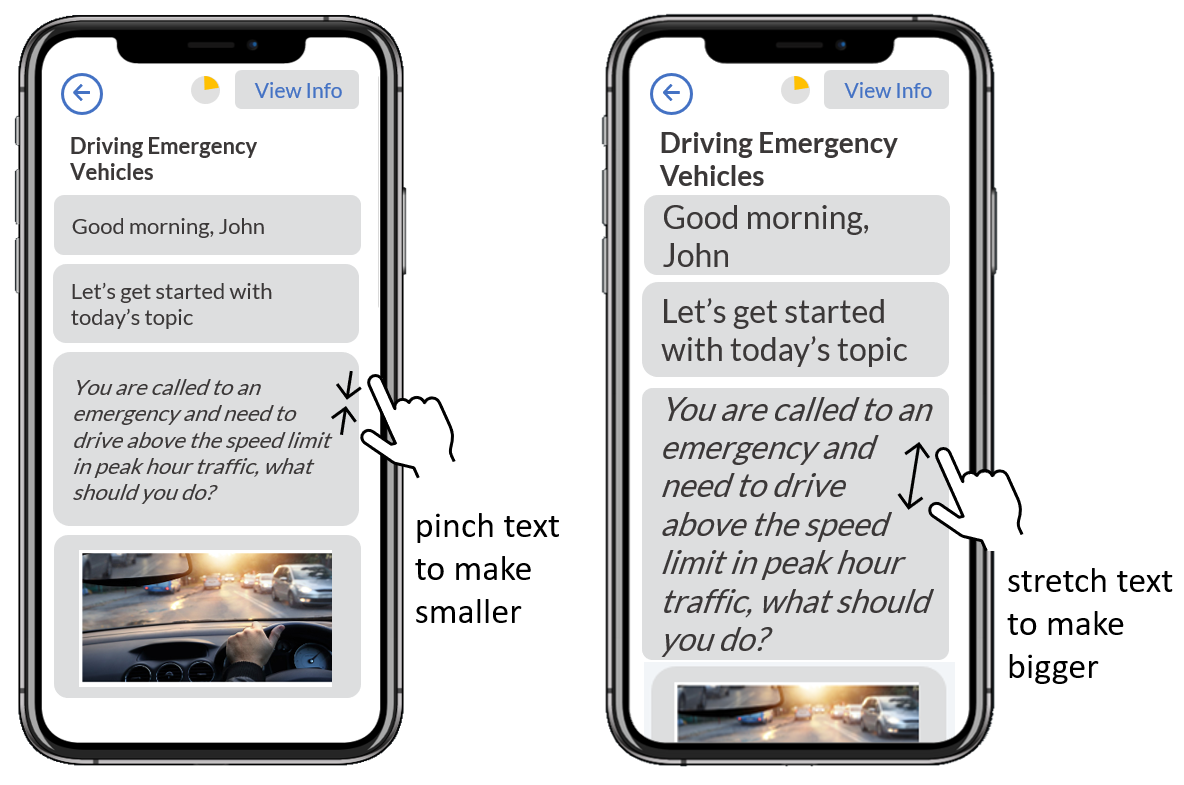
▶️ Simply use your fingers to pinch to make the text smaller or stretch to make the text bigger to the text size that works for you.
Was this article helpful?
Still need help?
Contact us▶️ Simply use your fingers to pinch to make the text smaller or stretch to make the text bigger to the text size that works for you.
Still need help?
Contact us